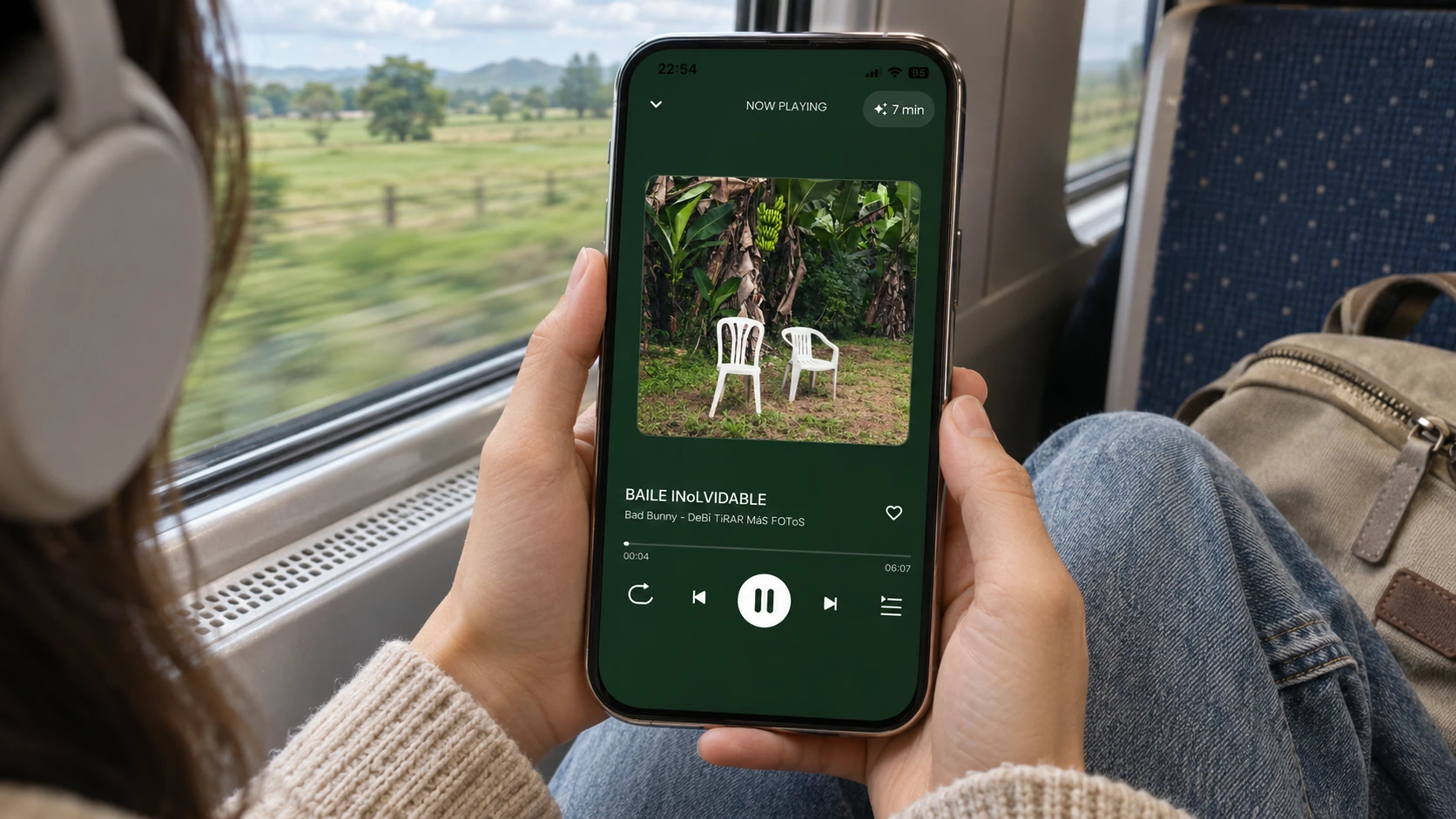
A patchy train connection, a flight, or limited mobile data may make streaming inconvenient. If you already have downloaded albums, MP3 purchases, or recordings you want to hear, you may prefer to keep them on your phone and listen whenever you need them.
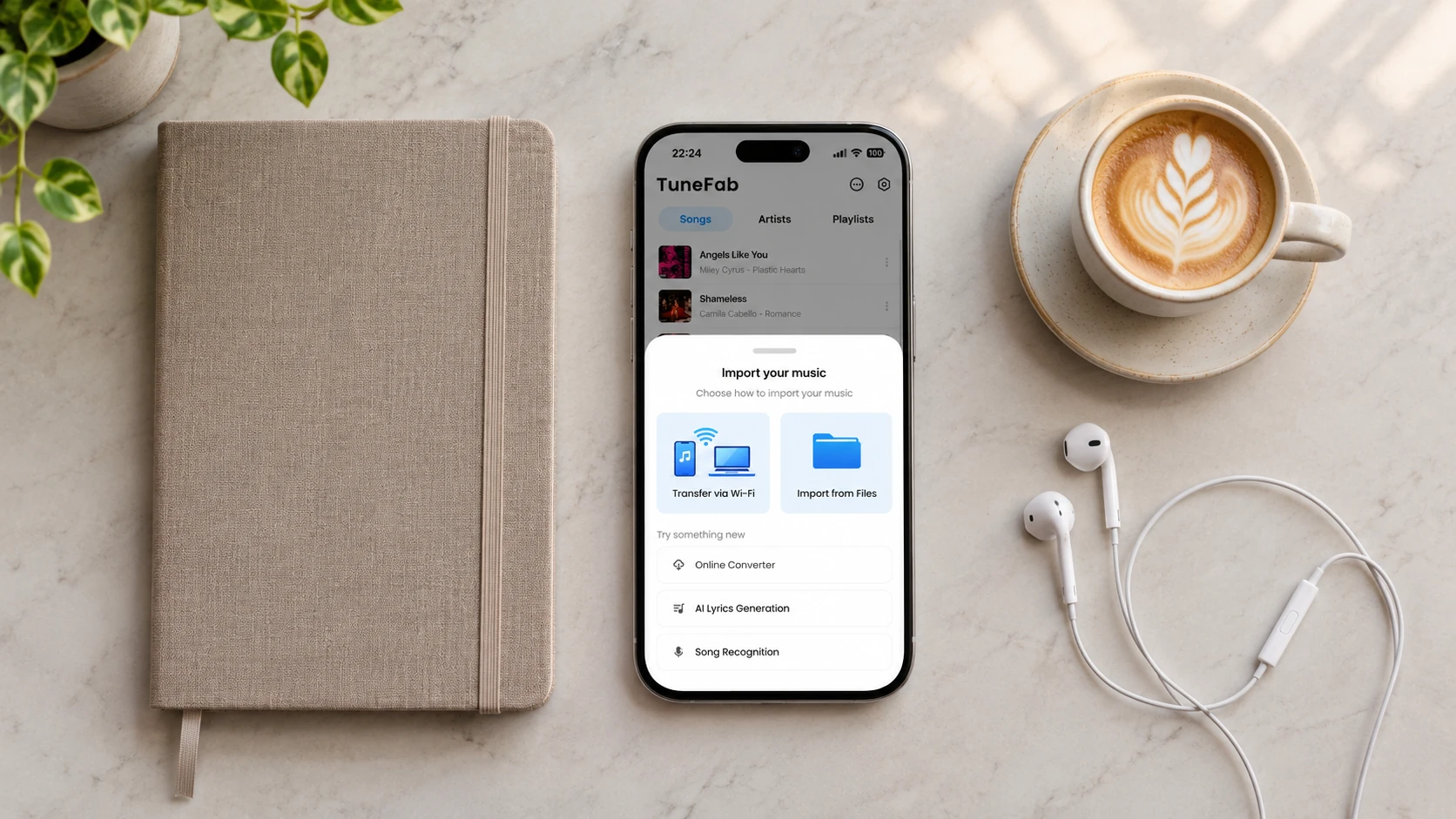
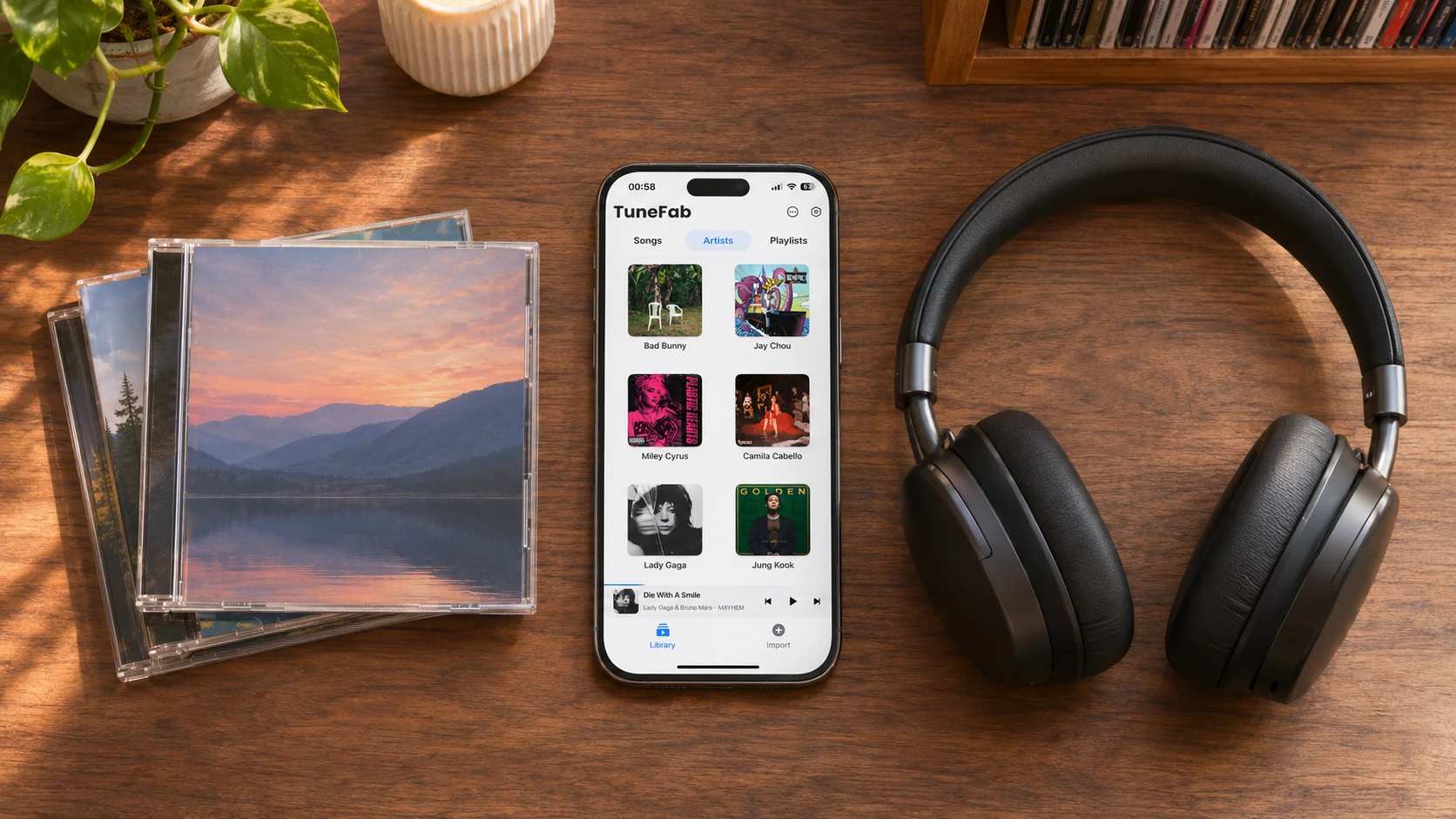
To listen to local music offline, save the audio files on your device and add them to a music player. TuneFab Player brings those files into a library on iPhone, iPad, or Android. Here is how to choose the right starting point and check that your music is ready before you leave.
Start with audio files you can access
An MP3 saved in Files or your phone's storage is different from a song marked Downloaded inside a streaming app. A streaming-service download may stay inside that app and may not be available for import into another player.
Use audio files you own or have permission to save. Player supports common formats including MP3, AAC, WAV, FLAC, and M4A; a complete, accessible file is still needed. See audio format compatibility if a track will not play.
Choose how to add your music
| Where your songs are | Your next step |
|---|---|
| In Files on iPhone or iPad | Use Import from Files to select the audio. Download cloud-only files to the device first. |
| In Android storage | Allow Player's audio access and scan local music. If needed, use Scan All, choose the folder, and tap Complete. |
| On your PC or Mac | Use Wi-Fi transfer to send the files to your phone. |
For the iPhone walkthrough, see how to play MP3 files on iPhone. If the songs are still on your computer, use the computer-to-phone transfer guide.
Check your songs before listening offline
- Wait for the download, import, or transfer to finish.
- Open Library, choose Songs, and find a track you recognize.
- Play it and check that the audio starts normally.
- Temporarily turn off Wi-Fi and mobile data, then try another saved song. Restore your connection when you are done.
This check helps catch missing files before a trip. If a track is absent, follow the missing music checks. Online downloads and AI lyrics processing require a connection even when your saved songs are available for local playback.
Get TuneFab Player for your saved songs
Browse songs and artists, build a playlist for your journey, and keep the music you want close at hand. Scan a code or tap a store button to install Player on your phone.


No audio files yet? Start with an online download
Our online audio downloader can prepare matched audio from a supported Spotify song link. Paste the link, choose Get audio, check the matched title and source, then choose Download MP3.
After saving the file, use the import method above. Keep a separate copy of music you want to preserve; a phone library is convenient access, not a replacement for a backup.