
Free YouTube Music to MP3 Converter
Convert YouTube Music to MP3 and save the files to your phone or computer for offline listening.
Each track ready to download uses 1 credit.
Convert a YouTube Music song to MP3
YouTube Music songs and public playlists. MP3 output.
Checking your link…

0%
Only tracks that pass the audio checks are included in your download.
Credits remaining today: … Get more credits
Convert songs on your phone with TuneFab Player
How to convert a YouTube Music song to MP3 online
Copy a song link, convert it in your browser, and download your MP3.
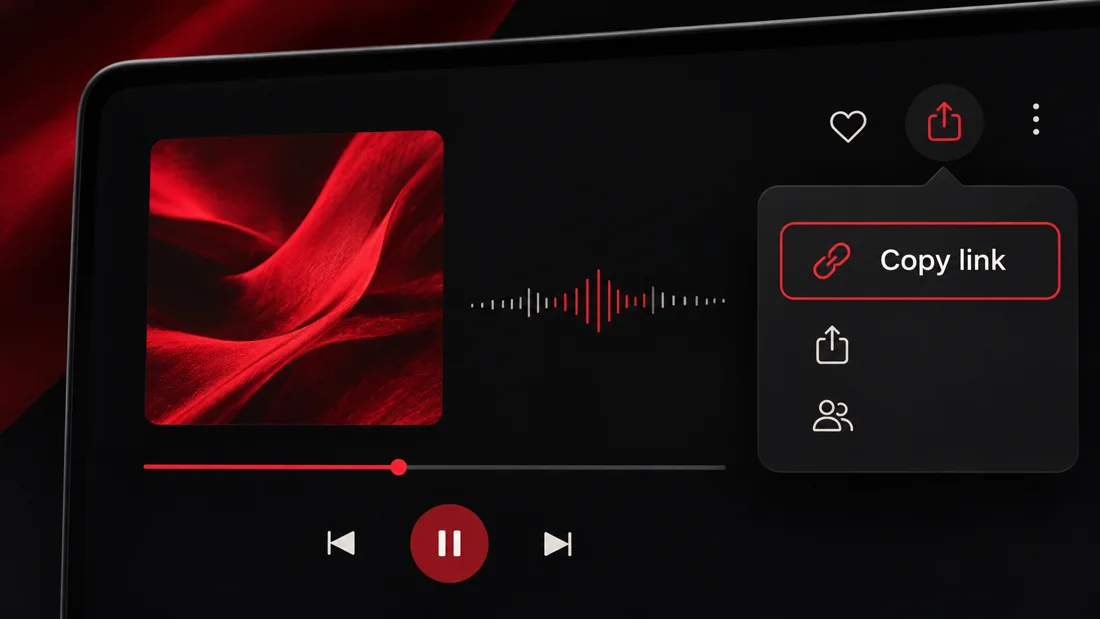
1. Copy a YouTube Music song link
Open a song in YouTube Music, select Share, then copy the link.
2. Convert the track to MP3
Paste the song link above and select Convert to MP3.


3. Download your MP3
When the track is ready, select Download MP3 to save it to your device.
Save a YouTube Music song on your phone
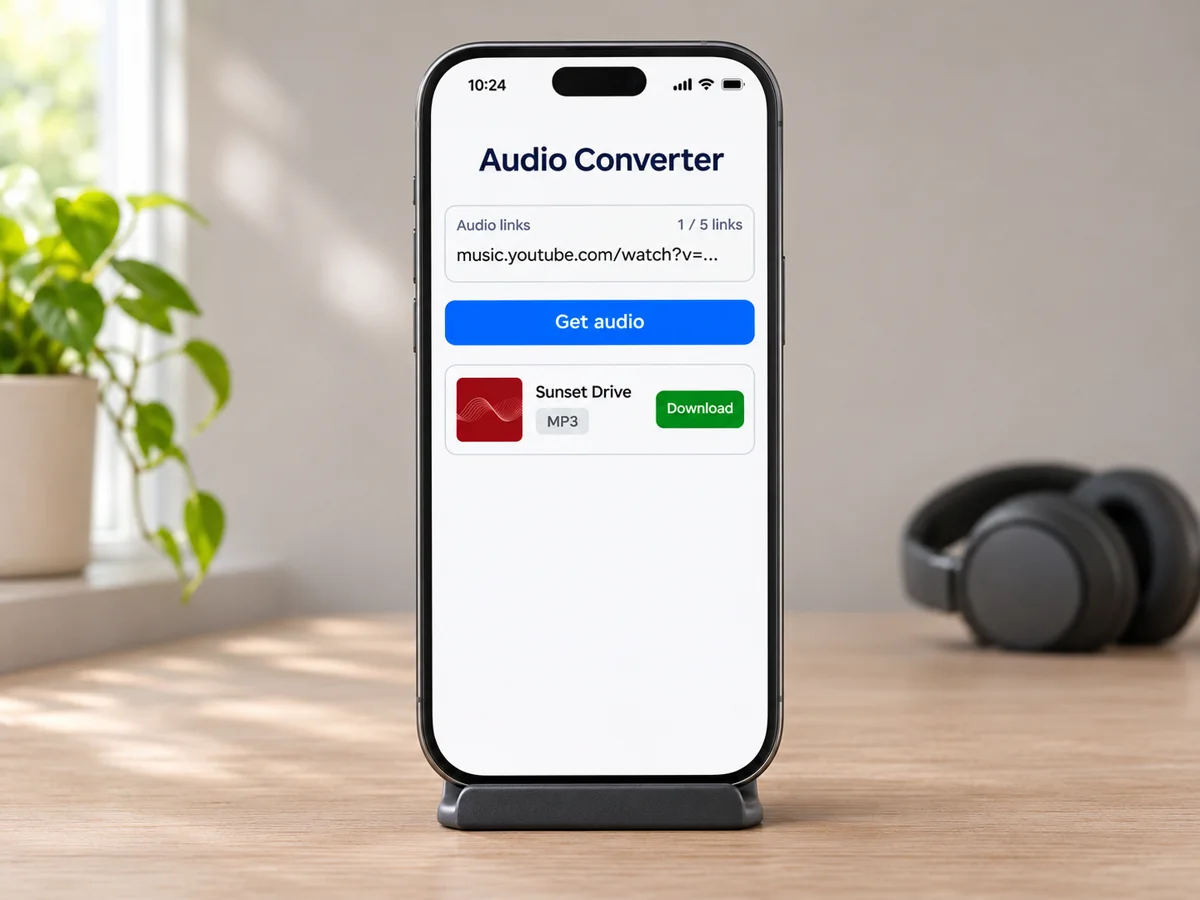
Open the converter from TuneFab Player on iPhone or Android, then add the saved MP3 to your music library.
- Copy a song link in YouTube Music. In TuneFab Player, tap Import.
- Choose Online Converter. Paste the link in your browser and convert the song.
- Save the MP3 to your phone, then import it into Player to listen offline.

Your downloaded songs,
ready to play offline
Build playlists from the MP3s on your phone. Once imported, your songs are ready for a commute, a flight, or a walk without a connection.

Frequently Asked Questions
1. Do I need to install an app to convert a song?
The converter runs in your browser. To organize the saved MP3s into playlists on your phone, import them into TuneFab Player.
2. Can I convert a YouTube Music playlist?
Yes. Copy the Share link for a public playlist in YouTube Music. The converter prepares up to 5 MP3s in playlist order, depending on your remaining credits. Save each ready song individually.
3. How do I import a converted song on iPhone or Android?
Save the MP3 to your phone, then follow the Help Center guide for your device: import from Files on iPhone or iPad or scan a music folder on Android.
4. What format will I get?
You get an MP3. Audio quality depends on the audio source. Check the song details before saving.
5. Why might a conversion fail?
Check that you copied the full Share link for a song or public playlist in YouTube Music. Unavailable songs are skipped. If the converter is busy, try again in a moment. Follow the message shown by the converter or visit the Help Center.
Get the app.
Keep the music.
Save MP3s on your phone, organize them into playlists, and listen offline with TuneFab Player.