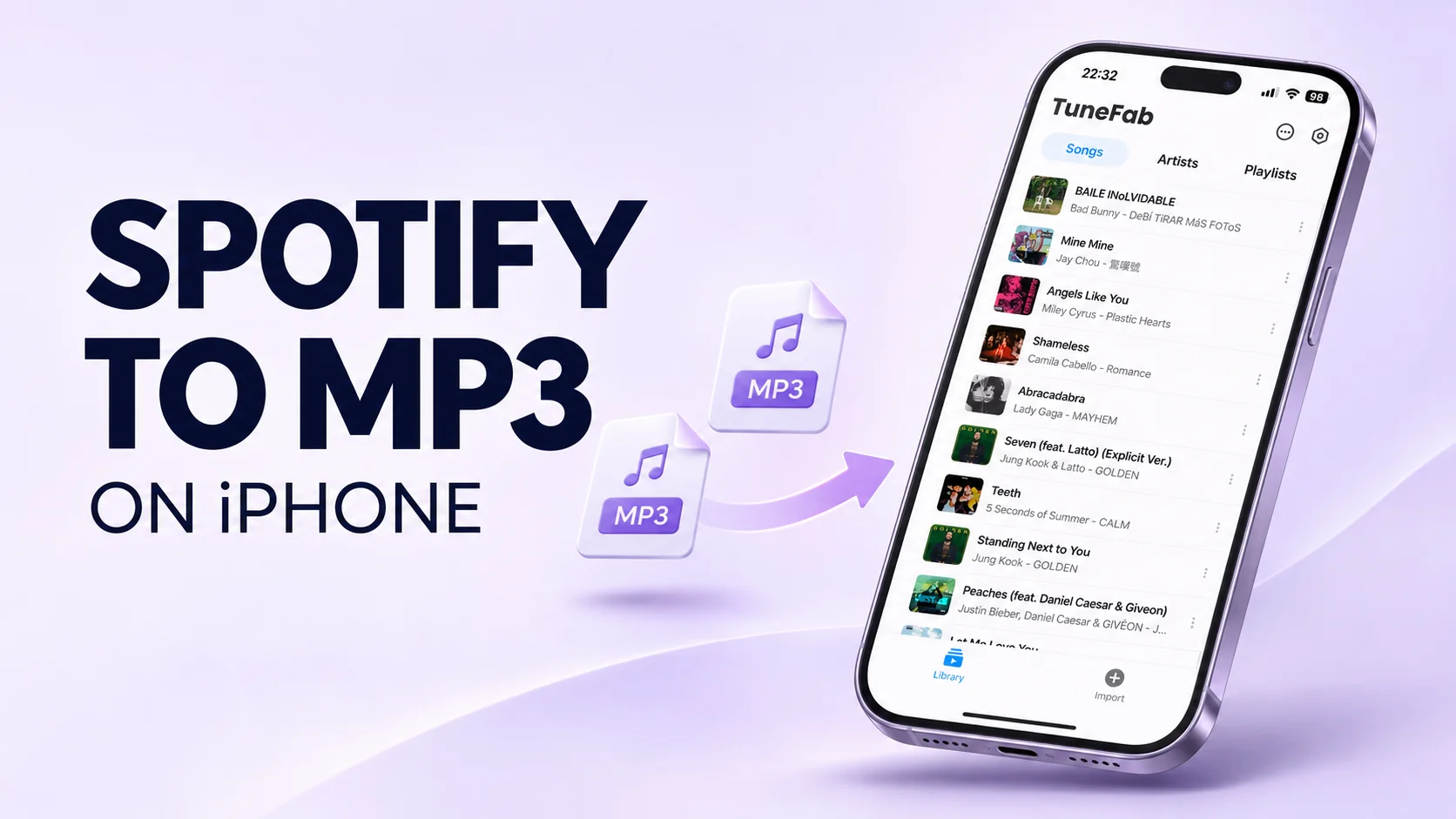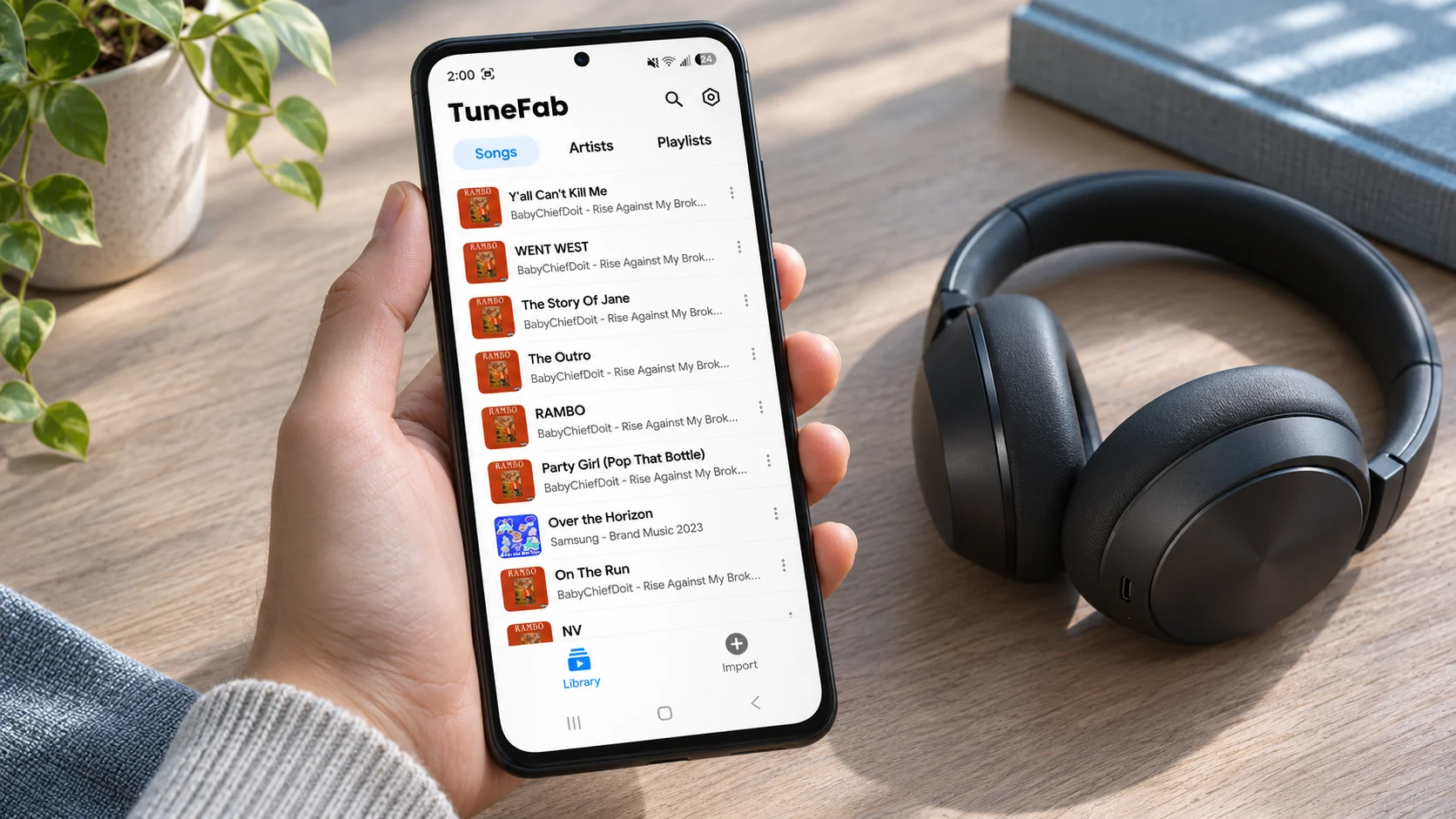
You can convert a supported Spotify link to MP3 on your phone without a Spotify Premium subscription. Open Online Converter from TuneFab Player, save the MP3 in your browser, then import the file into Player to listen offline. The steps below show how to do it on iPhone and Android.
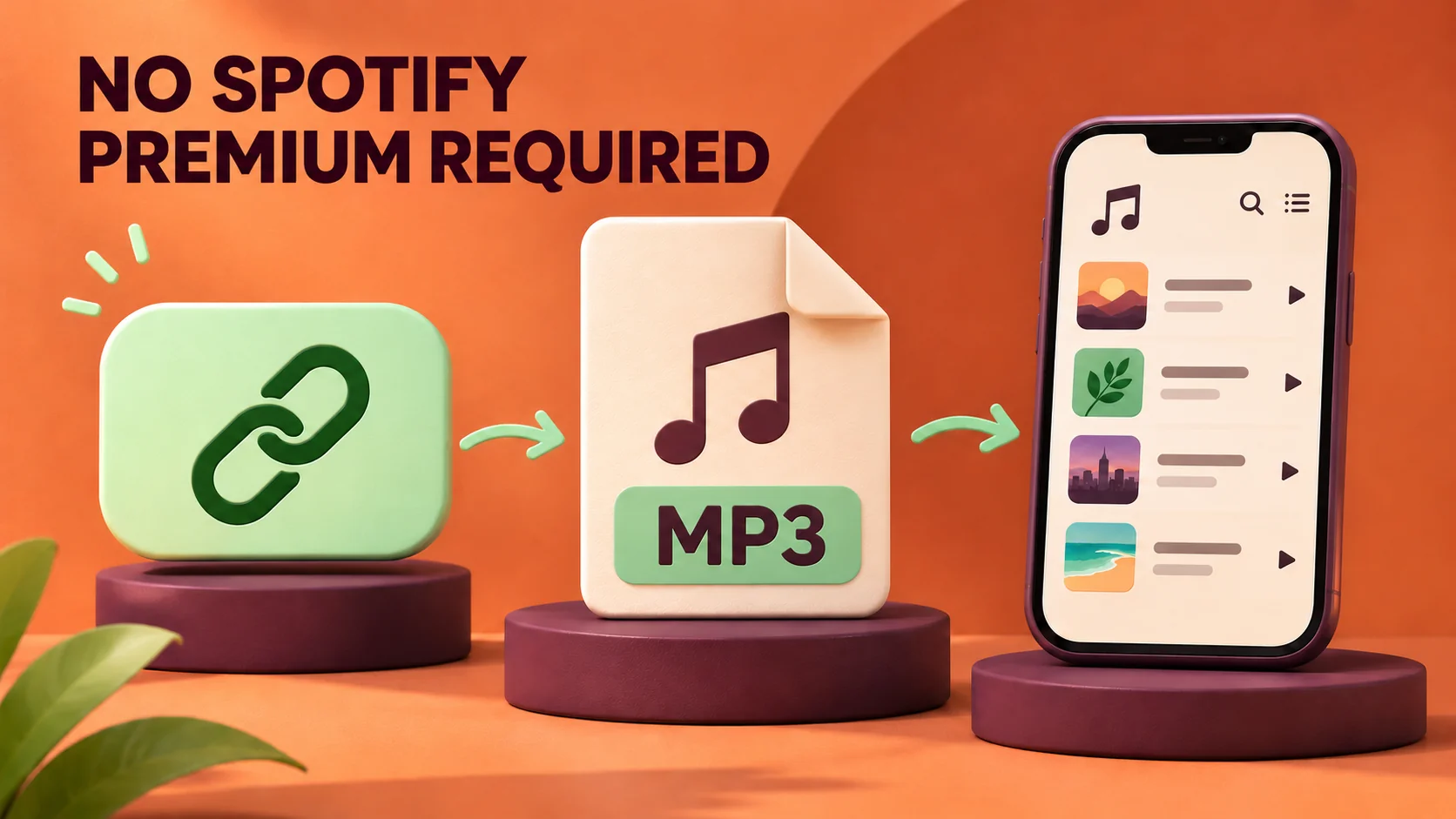
Spotify Offline Listening or MP3 Files: Which Do You Need?
Choose based on where you want to listen. If you already use Premium and want to keep listening in Spotify, use Spotify’s built-in offline feature. If you want an audio file you can find on your phone and add to a local music library, use the MP3 workflow.
| What you want to do | Which option to use | Where you play it |
|---|---|---|
| Listen to Spotify music on a flight | Save the music for offline listening with Spotify Premium before you leave. | In Spotify |
| Keep a song alongside MP3s already on your phone | Save the MP3 from the converter and import it into TuneFab Player. | In your local music library |
How to Convert Spotify Links to MP3 with TuneFab Player
Start with one song so you can follow the file from your browser to your music library.
- Copy the song link. In Spotify, open the song’s menu, tap Share, and copy its link.
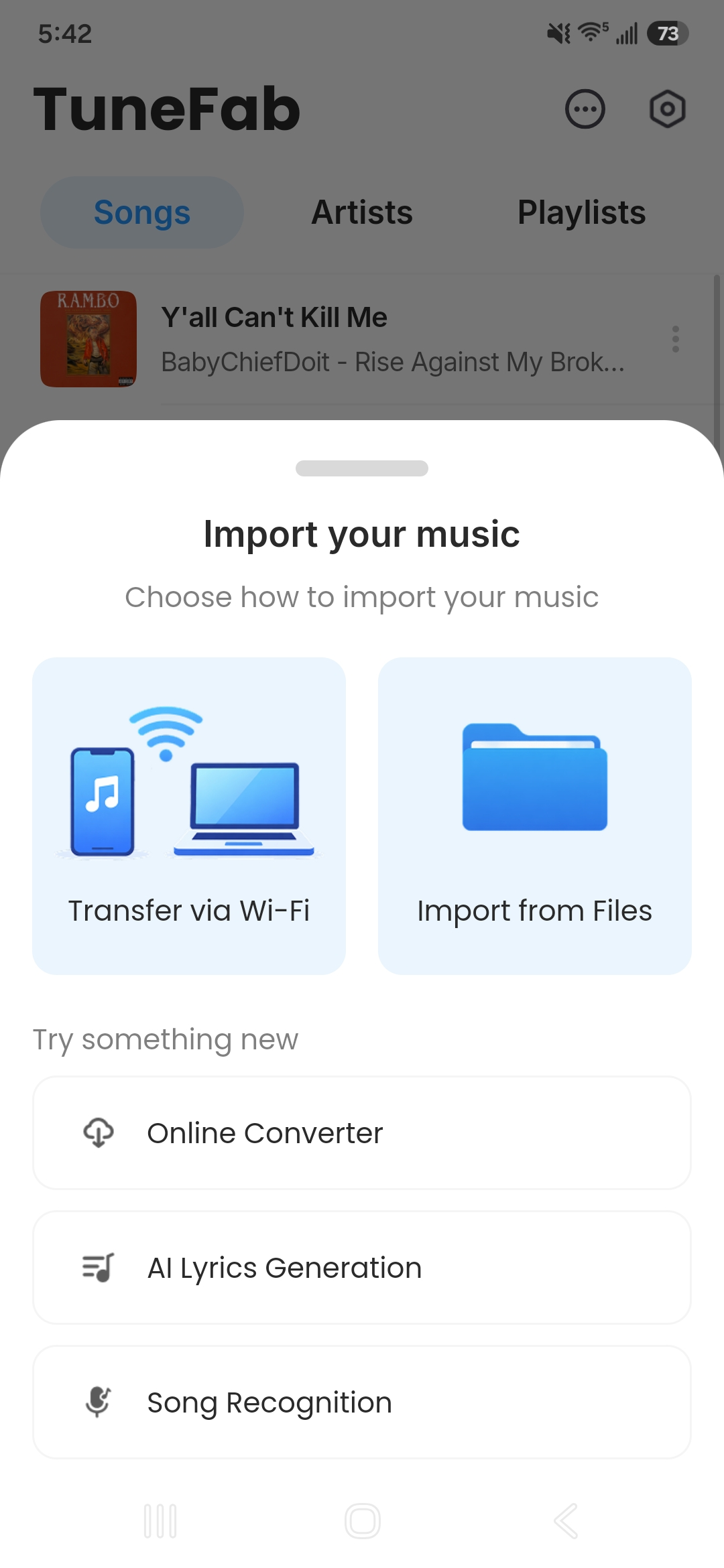
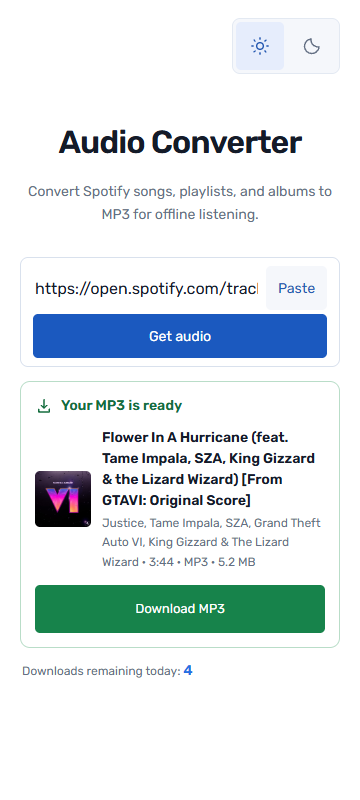
- Open the converter. Install TuneFab Player on your iPhone or Android phone. In Player, tap Import, then choose Online Converter under Try something new. The tool opens in your browser.
- Prepare the MP3. Paste the link and tap Get audio. Check the title, artist, and duration when the result appears, especially if the song has several versions.
- Save the MP3. Tap the save button next to the ready track, confirm if your browser prompts you, and wait for the file to finish saving.
For a supported playlist or album, copy the link to the collection. Review the results and save the available tracks you want individually.
Find and Import Your MP3 on iPhone or Android
On iPhone
If you used Safari, open Downloads to check that the MP3 finished saving. In Files, look in Recents or browse to the folder Safari uses for downloads. If the file is in iCloud Drive, make sure it’s available on your iPhone. Apple’s guide to finding downloaded files
In TuneFab Player, tap Import → Import from Files, find the MP3 through Browse or Recents, and select it. When the import finishes, open Library → Songs and play the track.
On Android
Check your browser’s Downloads list or open your file manager to locate the saved MP3. In TuneFab Player, tap Import → Import from Files and choose the folder containing the MP3. If the folder or track is missing, tap Scan All. Select the folder, tap Complete, and open Library → Songs to play the track.
Keep Your Converted Music in TuneFab Player
Add your MP3s to TuneFab Player to browse them alongside the music already on your phone, build local playlists, and listen offline. Install Player and start with one song. Convert and save only audio you own or have permission to use.